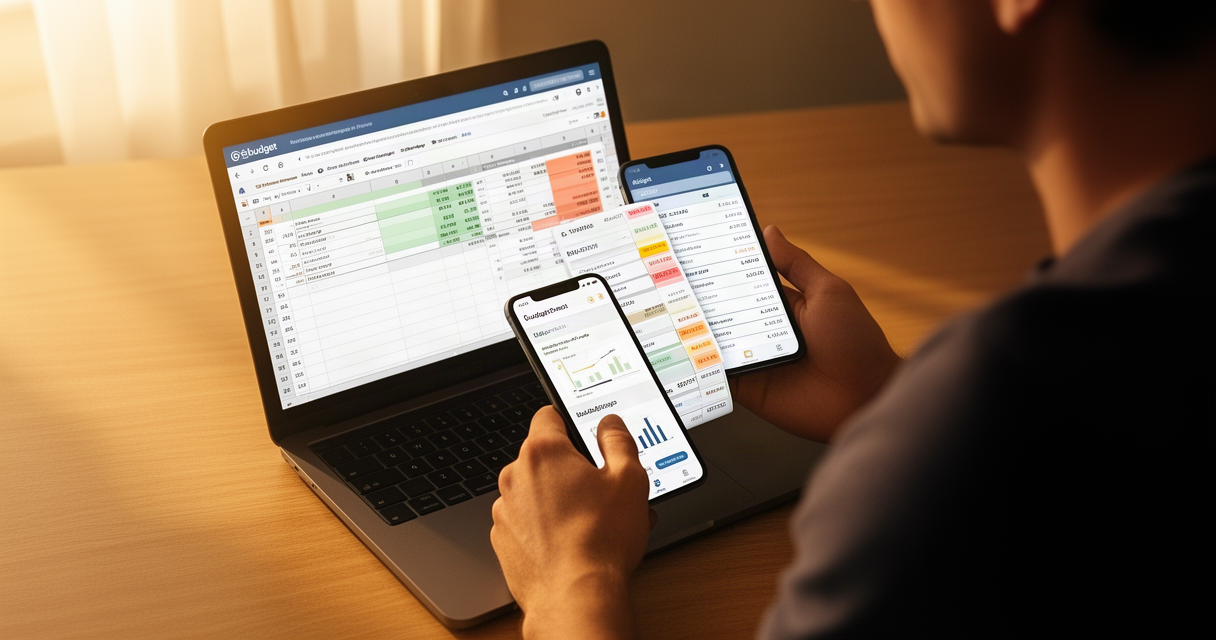
YNAB raised its price to $109/year in August 2024 — $30 more than Tiller Money. But this isn’t really a story about $30.
For spreadsheet power users and self-employed budgeters, the choice between Tiller and YNAB is a choice between two fundamentally different philosophies: a tool that teaches you how to budget vs. a tool that stays out of the way while you do it yourself.
Here’s the quick answer: If you already know how to budget and want complete control over your financial data, Tiller wins. If you’re still building budgeting habits and need a polished mobile app to stay accountable in real time, YNAB is worth the premium. Neither is universally better — but one is clearly right for you.
Here’s the full comparison, starting with the head-to-head table, then the detailed breakdown of where each tool excels and where each one breaks down.
Tiller Money vs YNAB at a Glance
Before getting into the details, here’s the complete comparison.
| Feature | Tiller Money | YNAB |
|---|---|---|
| Annual Price | $79/year | $109/year |
| Monthly Price | N/A | $14.99/month ($179.88/year) |
| Free Trial | 30 days, no credit card | 34 days, no credit card |
| Student Plan | Free | 1 year free |
| Platform | Google Sheets + Excel | Proprietary web app |
| Mobile App | None | iOS + Android (polished) |
| Budgeting Method | Any (you configure) | Zero-based (enforced) |
| Data Ownership | Your file, forever | Proprietary system, CSV export only |
| Auto-categorization | AutoCat (rule-based, Sheets + Excel) | Yes (built-in) |
| Bank Connections | 21,000+ institutions | Major institutions |
| Subscription Sharing | 1 user | Up to 6 users, same price |
| Best For | Power users, self-employed, ex-Mint | Beginners, couples, mobile-first |
Bottom line: Tiller is $30 cheaper per year, gives you your data back, and lets you build any budget you want. YNAB costs more, teaches you a specific methodology, and has a genuinely good mobile app. Those aren’t the same thing.
Tiller Money: The Spreadsheet-First Budgeting Tool
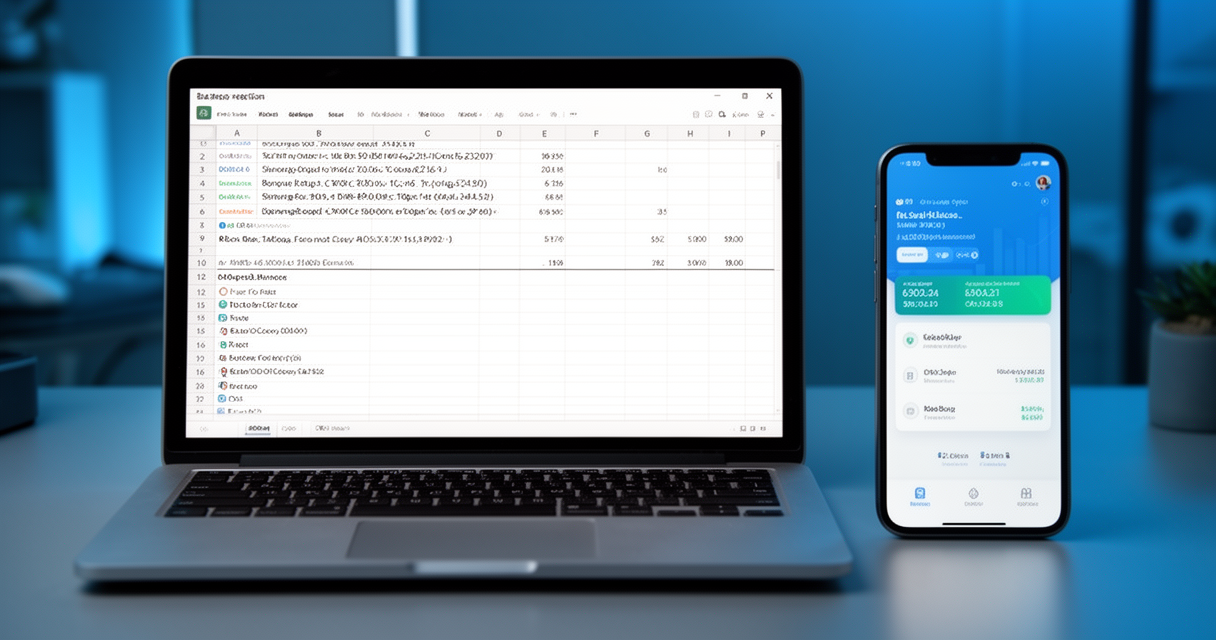
Tiller’s pitch is simple: your bank transactions, automatically synced into a Google Sheet or Excel workbook that you own outright.
It connects to 21,000+ financial institutions (tiller.com) and pulls transactions in automatically. No manual imports. No copying and pasting from your bank’s export tool. The spreadsheet is yours — it lives in your Google Drive or OneDrive, and canceling Tiller doesn’t delete a single row.
The most useful feature Tiller offers is AutoCat, its rule-based auto-categorization engine. You define rules — by merchant name, description keyword, or amount range — and AutoCat applies them every time new transactions sync. It’s now fully available for both Google Sheets and Microsoft Excel as of 2025 (community.tiller.com). One-time setup, then it runs itself.
Tiller offers a zero-based budgeting template (the Foundation Template) if you want that structure, but you can use any methodology you want. Envelope budgeting, percentage-based, cash flow tracking for irregular income — the spreadsheet doesn’t care. You configure it once and it does what you tell it.
Price: $79/year. 30-day free trial. Free for college students.
Where Tiller falls short: There is no mobile app. If you need to log a purchase the moment you make it, you’re doing it from your laptop later. Bank sync also runs on third-party aggregators (Yodlee/Finicity), which can break. When it does, resolution timelines depend on the aggregator, not Tiller. As one Tiller community member noted: “Bank feed reliability is the main weakness.” (community.tiller.com, user msmiller)
AutoCat is exactly the kind of AI we actually trust — it’s not predicting the stock market, it’s saving you 20 minutes a week on data entry so you can focus on actual financial decisions. Boring? Yes. Genuinely useful? Also yes. This is what AI in personal finance should look like.
YNAB: The Zero-Based Budgeting Methodology in App Form
YNAB is a budgeting philosophy first and software second. The core rule: every dollar you have gets assigned a job before you spend it. Income comes in, you allocate it across budget categories, and you spend against those allocations.
The mobile app is where YNAB earns its premium. It’s polished, fast, and designed for real-time transaction logging. The workflow assumes you’ll enter purchases immediately — right after you pay — rather than reviewing everything in batch at the end of the week. For people who need that real-time accountability loop, nothing in this comparison touches it.
YNAB also allows up to 6 users on a single subscription at no extra cost — a meaningful advantage for couples or families managing shared finances. Two people using YNAB together at $109/year works out to $54.50 per person. That changes the cost math significantly.
Recent additions (2025-2026) include a Spotlight dashboard for at-a-glance financial health, an Income vs. Spending insight in the Reflect tab, a Loan Payoff Simulator, and an upgraded public API with a new Python client library (ynab.com/whats-new, March 2025). The API upgrade is a real improvement for technical users who want to pull their data.
Where YNAB falls short: Your data lives in YNAB’s proprietary system. If you stop subscribing, you get a CSV export — not your full budget structure, not your category mappings, not your payee history. One Tiller Community Forum user described accidentally merging 2,900 YNAB transactions to the wrong payee with no way to undo it: “No backup. There is no way to restore.” (community.tiller.com, user g2kk9phx) That’s a real risk with an opaque data model.
The zero-based structure also assumes you know roughly how much money is coming in each month. For freelancers and self-employed users with variable income, YNAB’s category-allocation model creates constant reshuffling. As Amanda Claypool, a freelance finance reviewer, put it: “It’s hard to implement [zero-based budgeting] when you don’t know how much money you’ll have coming in each month.” (modernadult.substack.com)
YNAB’s methodology works — people who stick with it report real behavior change. But the opinionated structure that helps beginners build habits is the same structure that gets in the way of power users who want data access and flexibility. Know which one you are before you subscribe.
The Real Differentiator: Data Ownership and What Happens When You Cancel
This is the most underreported angle in every other Tiller vs. YNAB comparison, and it matters more than the $30 price difference.
Tiller: Your Google Sheet or Excel workbook is independent of Tiller’s servers. Cancel your subscription tomorrow and your full transaction history stays in your spreadsheet, intact, forever. No export required. No deadline. It’s just a file in your Drive.
YNAB: Your budget lives in YNAB’s proprietary system. Cancel without first running an export and you lose access to everything. Even with an export, you get a CSV dump — not the structured data, category trees, or budget history that made the tool useful.
The long-term risk compounds. Five-plus years of detailed transaction data is valuable — for tax prep, for trend analysis, for net worth tracking. The longer you use YNAB, the more painful a forced exit becomes. Your financial history is one of the most personal datasets you have. We think it should live in a file you own, not a server you rent.
YNAB’s price increase pattern makes this worse. The subscription has gone from $50 in 2017 to $87 to $99 in 2021 to $109 in August 2024 (pricetimeline.com/data/price/ynab). Every time the price goes up, leaving becomes more attractive — but the data lock-in makes it harder. That’s not an accident.
Pricing: Is YNAB Worth the Extra $30 Per Year?
Let’s do the math directly.
- Tiller: $79/year
- YNAB (annual): $109/year — a $30 gap
- YNAB (monthly): $14.99/month = $179.88/year — over $100 more than Tiller if you forget to lock in the annual rate
YNAB’s price history since 2017 (pricetimeline.com):
| Year | YNAB Price |
|---|---|
| 2017 | $50/year |
| ~2019 | $87/year |
| 2021 | $99/year |
| August 2024 | $109/year |
Tiller has held at $79/year with no increase announced for 2026.
Every time YNAB raises its price, Reddit and personal finance forums fill with comments like this one from r/ynab: “YNAB no longer fits into my budget with the future price increase. My frugal brain was having a hard time justifying paying the cost even before the increase… Otherwise, spreadsheet it is.” (r/ynab, u/buttacupsngwch) Most people don’t follow through on switching — because switching is friction. But the pattern is consistent.
The one case where YNAB’s pricing actually favors you: household sharing. If you and a partner both budget with the same tool, YNAB’s $109/year covers both of you. Tiller has no comparable shared plan. For couples, the per-person cost flips in YNAB’s favor.
Both offer no-credit-card-required free trials: Tiller 30 days, YNAB 34 days. Both have student plans (Tiller free permanently; YNAB free for 1 year). Try both before paying.
If you’re doing a 5-year cost projection, factor in that the $30 gap has historically become $40, then $50. Tiller has not followed that pattern.
Our Take: Which One Should You Actually Use?
Here’s the direct answer, by audience.
Use Tiller if:
- You’re already comfortable in Google Sheets or Excel
- You’re self-employed, freelance, or have variable monthly income
- You’ve been burned by YNAB’s price increase cycles
- You want your transaction history to exist in a file you own
- You’re a former Mint user looking for automated sync without a new methodology
- You want to implement your own budgeting system, not adopt someone else’s
Use YNAB if:
- You’re building budgeting habits from scratch and need the structure to enforce them
- You use your phone to log transactions in real time
- You’re budgeting with a partner and the 6-user sharing makes the math work
- You need the zero-based methodology’s guardrails to stop overspending
Don’t use Tiller if: you won’t maintain a spreadsheet, you need a native mobile app, or you want a shared budgeting experience with your partner. One r/budgeting user was blunt: “I love a good spreadsheet, but it’s a little too much DIY for me. And there’s no mobile app.” (u/CuriousPixels7598) That’s a fair critique. Tiller requires maintenance.
Don’t use YNAB if: you’re self-employed with unpredictable income, you’ve been a paying customer through multiple price increases and resent the pattern, or you care about owning your financial data long-term.
One user on TigerDroppings ran both tools side-by-side through December before making a final call: “I love YNAB… I took the month of December and used them side by side. On 1/1, I dumped YNAB.” His summary of the difference: “YNAB simply tracks. Tiller allows you to customize your data and how it flows.” (tigerdroppings.com, user ‘anc’)
We don’t recommend YNAB for people who already know how to budget. The zero-based methodology is the product — if you don’t need YNAB to teach you how to think about money, you’re paying $109/year for a constraint you’ve already outgrown. Tiller’s $79 spreadsheet lets you implement any methodology you want, in the tool you already understand, with data you actually own.
For a broader look at where these tools fit in the current budgeting app market, see our best budgeting apps compared for 2026. If you’re self-employed and want AI-powered expense tracking beyond budgeting, our guide to the best AI expense trackers for freelancers and self-employed covers the tools that handle variable income best. And if you’re also mapping out long-term retirement alongside your day-to-day budget tracking, our Boldin vs ProjectionLab vs Empower comparison for 2026 covers the best tools for that job.
Frequently Asked Questions
Is Tiller Money better than YNAB for people who already use Google Sheets?
Yes. If you’re already comfortable in Google Sheets, Tiller has almost no interface learning curve. Configure your AutoCat rules, pick a template, and you’re running. YNAB’s interface is entirely its own and requires internalizing its zero-based methodology from scratch — your spreadsheet background doesn’t transfer.
Is Tiller Money worth the cost in 2026?
At $79/year, you get automated transaction importing across 21,000+ institutions, AutoCat AI categorization, and full spreadsheet ownership of your data. For anyone who was previously importing transactions manually or running a DIY spreadsheet, the time savings on data entry typically justify the cost quickly. The one caveat: if bank sync breaks, resolution depends on third-party aggregators (Yodlee/Finicity), not Tiller directly.
Can Tiller Money replace YNAB’s zero-based budgeting method?
Yes — Tiller offers a zero-based budgeting template (the Foundation Template) that replicates the “every dollar gets a job” structure. The difference is that Tiller doesn’t enforce the methodology. If you need the software to actively prevent you from moving budget around or ignoring overspending, YNAB’s rigidity is a feature, not a flaw.
How much does Tiller Money cost compared to YNAB, and which gives better value?
Tiller: $79/year. YNAB: $109/year (annual) or $14.99/month ($179.88/year monthly). YNAB raised from $99 to $109 in August 2024. YNAB’s annual plan covers up to 6 users — if you’re budgeting as a household, this flips the per-person math in YNAB’s favor. For a solo budgeter on an annual plan, Tiller is $30 cheaper and holds your data permanently.
Which budgeting tool is better for self-employed or freelance income?
Tiller. YNAB’s zero-based model assumes you know what’s coming in each month — every dollar gets assigned before you spend it. Variable income requires constant category reshuffling, and users consistently report frustration with that workflow. Tiller’s open spreadsheet adapts to any income pattern without forcing a methodology built around a predictable paycheck.
Does Tiller Money use AI to categorize transactions automatically?
Yes — AutoCat is Tiller’s rule-based auto-categorization engine. You define rules by merchant name, description keyword, or amount range, and AutoCat applies them every time transactions sync. It’s available for both Google Sheets and Microsoft Excel as of 2025. It’s not predictive AI — it runs the rules you set — which is exactly why it’s reliable.
What is the best YNAB alternative for spreadsheet power users?
Tiller Money is the most direct alternative — it replicates YNAB’s automatic transaction importing in a spreadsheet you own. Monarch Money is worth considering if you want an app-based experience without YNAB’s rigid zero-based structure. Actual Budget (self-hosted, open source) is an option for technical users who want zero subscription cost and full data control.
The Verdict
Tiller is for people who want to own their financial data. YNAB is for people who want the software to own their budgeting discipline.
Start with Tiller’s 30-day free trial if you already know how to budget and want a tool that stays out of your way. Start with YNAB’s 34-day trial if you’re building the habit from scratch and need a mobile-first, guided system. Neither requires a credit card to try.
YNAB’s price history suggests the gap won’t stay at $30 for long — but your spreadsheet will still be there regardless.